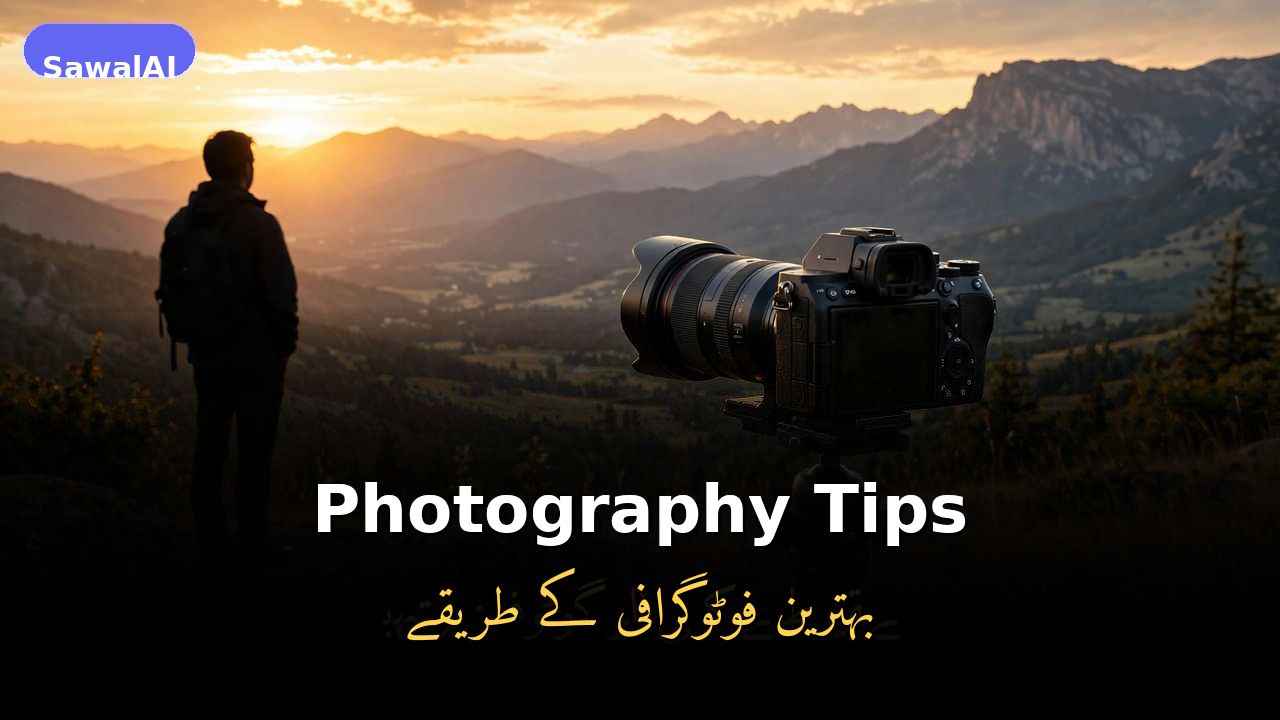
You don't need an expensive camera to take great photos — the best camera is the one in your pocket. The difference between an average snapshot and a stunning photo is rarely the gear; it's knowledge. These beginner-friendly tips on light, composition, and editing will transform your phone photography.
Light Is Everything
Photography literally means "drawing with light," so lighting matters more than your camera. The soft, warm light just after sunrise or before sunset — the golden hour — makes everything look beautiful. Outdoors, avoid the harsh midday sun and turn your subject toward the light. Indoors, move close to a window; side light gives portraits a natural glow that no flash can match.
Use the Rule of Thirds
Turn on your camera's grid lines and place key subjects on the grid intersections instead of dead center. This simple trick, the rule of thirds, instantly makes photos look more balanced and professional. Put the horizon on the top or bottom third line rather than the middle, and give your subject space to "look into" — leave room in the direction they face.
Know Your Phone Camera
A few settings separate snapshots from photos. Tap the screen to lock focus on your subject, then slide your finger to adjust exposure before shooting. Wipe your lens — a smudged lens is the top cause of blurry phone photos. Use burst mode for moving subjects like kids or pets, and HDR for high-contrast scenes.
Portraits and Landscapes
Great portraits are about connection, not posing. Focus on the eyes — sharp eyes make or break a portrait. Shoot at eye level for the most natural look, and keep the background simple so it doesn't distract. Talk to your subject while shooting — a genuine laugh beats a stiff smile every time.
For landscapes, arrive early or stay late — light is everything outdoors. Include something in the foreground — a rock, flowers, a fence — to give the scene depth and scale. Keep the horizon straight (your grid helps), and try shooting vertical for waterfalls, trees, and tall buildings.
Edit Lightly
Editing apps like Snapseed, Lightroom Mobile, and VSCO are free and powerful, but the best edits are the ones nobody notices. Start by straightening the horizon and adjusting brightness and contrast; small changes beat heavy filters. A gentle touch-up of light and color always beats an over-filtered photo.